

Key Takeaways
Smart Home
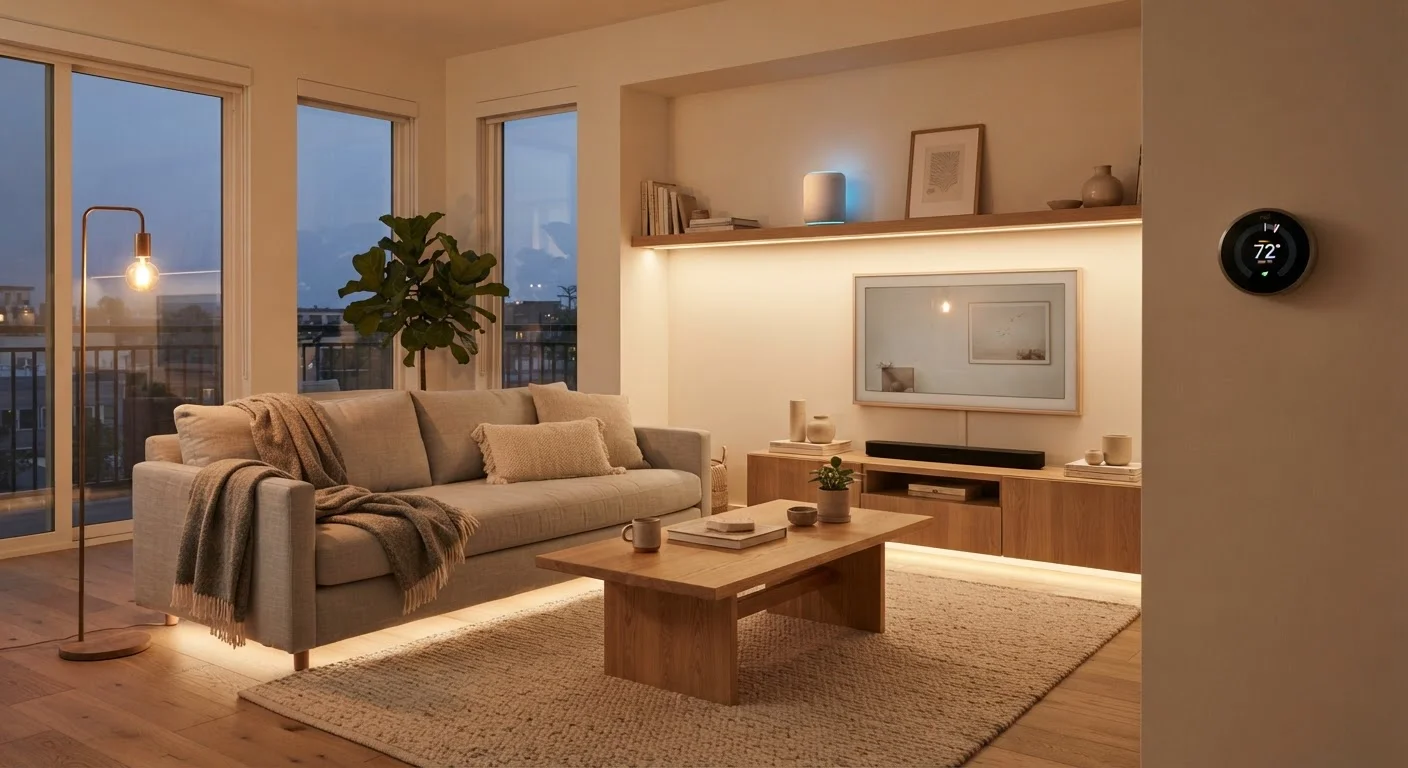
A smart home is a residence where everyday devices — lights, locks, thermostats, cameras, and more — can connect to the internet and communicate with each other or with you through a smartphone, voice assistant, or automated schedule. The goal is to give you more control and convenience over how your home runs, often without having to be physically present. You can check in, adjust settings, or let devices react to conditions automatically.
Most smart home devices communicate over Wi-Fi, Bluetooth, Zigbee, or Z-Wave radio protocols. A newer standard called Matter aims to make devices from different manufacturers work together more reliably.
The Core Idea: Your Home, Connected
Strip away the marketing language, and a smart home is straightforward: it's a home where at least some devices can receive instructions or send information over a network. That network is usually your home Wi-Fi, though some devices use short-range radio signals instead.
The payoff is control. Instead of walking across the house to adjust the thermostat or wondering whether you left the garage door open, you can check and act from your phone — or set things up to happen automatically. That combination of remote control and automation is what separates a smart device from an ordinary one.
You don't need a futuristic setup to qualify. One smart light bulb that you can dim from an app is, technically, a smart home start. The technology scales from simple to elaborate, and you choose how far to take it. See our guide to building your first smart home setup for practical starting advice.
How Devices Actually Connect
Smart devices need a way to talk — to your phone, to each other, and sometimes to a central hub. There are a few common methods:
- Wi-Fi: The most familiar option. Devices join your existing home network the same way a laptop or phone does. Setup is usually straightforward, but adding many Wi-Fi devices can crowd your network.
- Bluetooth: Short-range, low-power, and common in speakers and locks. Doesn't require a router but limits control distance unless paired with a hub that bridges to Wi-Fi.
- Zigbee and Z-Wave: Specialized radio protocols designed specifically for smart home devices. They use very little power and devices can relay signals to extend range, but they typically require a compatible hub to connect to your phone.
- Matter: A newer cross-brand standard supported by major platform makers. Devices certified for Matter are designed to work across different ecosystems, reducing the compatibility headaches that have historically frustrated smart home users.
For a deeper look at how individual device types communicate, our smart home devices explainer covers each category in plain English.
57%
U.S. households with at least one smart device
According to a Parks Associates report, more than half of U.S. broadband households owned at least one smart home device as of a recent industry survey.
3+
Average smart devices per connected U.S. home
Industry research consistently finds that once consumers adopt one smart device, they typically add more within a year as familiarity grows.
Ecosystems: The Organizing Layer
An ecosystem is a platform that organizes your devices under one app or voice assistant. Think of it as the operating system for your smart home — it's where you set schedules, create automations, and group devices into rooms.
The major ecosystems include Amazon Alexa, Google Home, and Apple Home (HomeKit). Each has its own strengths, and many devices support more than one. Choosing an ecosystem early matters because it shapes which devices will work smoothly together and which might require workarounds.
The critical question to ask before adding any device is: does this work with the ecosystem I'm already using? Chasing individual features without checking compatibility is the most common mistake new smart home owners make. Our article on home automation myths addresses this and other widespread misconceptions.
“The biggest barrier to smart home adoption isn't cost — it's the perception that it's complicated. In practice, the technology has become genuinely accessible to people with no technical background at all.”
— Consumer Electronics Association Research Team, Industry research body focused on consumer technology adoption
What You Actually Need to Get Started
The minimum requirements are modest: a home Wi-Fi network, a smartphone, and one smart device. That's it. No professional installation, no dedicated hub, no complex wiring — for most entry-level devices.
As your setup grows, a few additional considerations become important:
- Router coverage: Devices in far corners of your home need a reliable signal. A mesh Wi-Fi system can help if your current router has dead zones.
- Ecosystem choice: Pick one primary platform and stick with it as your anchor, even if individual devices support multiple platforms.
- Security basics: Change default passwords on devices and routers, and keep firmware updated. Connected devices are only as secure as the network they sit on.
Smart home technology also intersects with broader home security — understanding modern home security systems can help you see how connected cameras, locks, and sensors fit into a complete safety picture. For a comprehensive look at planning and living with a connected setup long-term, see The Complete Picture on Smart Home Living.