

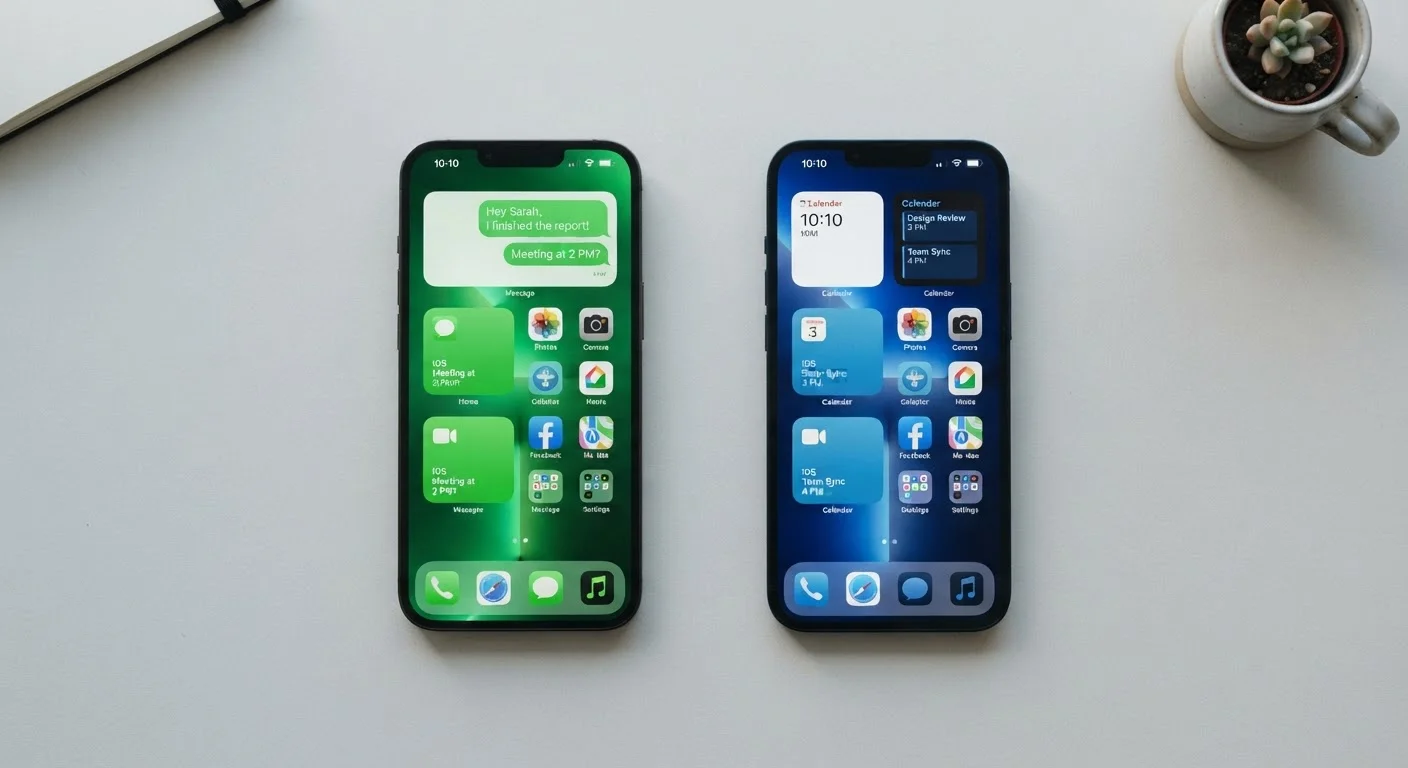
Key Takeaways
Option A
Android
The open, flexible platform built for customization.
Best for: Users who want more control over their device, prefer a variety of hardware options, or are already invested in Google services.
Option B
iOS
The tightly integrated, consistent Apple experience.
Best for: Users who prioritize simplicity, long software support, and deep integration with other Apple devices like Mac or iPad.
If you want the widest range of phone hardware and price points
Android
Android runs on devices from dozens of manufacturers across nearly every price tier, giving you far more hardware options to match your budget and preferences.
If you already own a Mac, iPad, or Apple Watch
iOS
Apple's ecosystem features like Handoff, AirDrop, iMessage continuity, and Universal Clipboard work seamlessly across Apple devices and are difficult to replicate across platforms.
If long-term software support is a top priority
iOS
Apple has historically supported iPhones with software updates for five to six years or more, which is longer than most Android device manufacturers guarantee.
If you want to customize how your phone looks and behaves
Android
Android allows you to change default apps, install alternative launchers, and adjust system-level settings that iOS keeps locked down by design.
If privacy controls and data transparency are your main concern
Either — with caveats
Both platforms now offer strong privacy tools. iOS introduced App Tracking Transparency; Android gives per-permission controls and privacy dashboards. Your habits and app choices affect privacy as much as the platform does.
The Core Philosophy Difference
At their heart, Android and iOS reflect two genuinely different design philosophies. Android, developed by Google, is built around openness — manufacturers can customize it, developers have broad access, and users can change many system defaults. iOS, developed by Apple, is built around a controlled, integrated experience where the hardware and software are designed together.
Neither approach is objectively better. What matters is which trade-off suits you. Android's openness means more choices and more flexibility, but also more variability in quality across devices. iOS's tight integration means fewer surprises and a more consistent experience, but less room to tinker. These differences ripple through nearly every aspect of daily use — from how updates arrive to how your apps behave. If you've encountered common smartphone myths, it's worth knowing that many stem from misunderstandings rooted in these philosophical differences.
Software Updates and Long-Term Support
One practical area where iOS and Android diverge significantly is software updates. Apple pushes iOS updates directly to supported iPhones, and historically has supported devices for five to six years. That means your phone keeps getting new features and security patches for longer without depending on a third party.
Android updates are more complicated. Google releases Android updates, but most phones depend on their manufacturer — and sometimes a wireless carrier — to adapt and deliver those updates. Some manufacturers are improving their update commitments, but the timeline and consistency vary widely by brand and model. This is worth factoring in if you plan to keep a phone for several years.
| Criterion | Android | iOS |
|---|---|---|
| Hardware variety | Many manufacturers and price points | Apple devices only |
| Software update delivery | Varies by manufacturer | Direct from Apple |
| Typical update lifespan | 2–4 years (varies by brand) | 5–6+ years per device |
| Default app flexibility | Fully customizable | Limited but improving |
| App tracking controls | Privacy Dashboard, per-app permissions | App Tracking Transparency prompt |
| Ecosystem integration | Strong with Google services | Strong with Apple devices |
| Home screen customization | High (launchers, widgets, shortcuts) | Moderate (widgets, app library) |
Privacy, Permissions, and Data Controls
Privacy has become a genuine differentiator between the two platforms — and both have improved substantially in recent years. iOS introduced App Tracking Transparency, which requires apps to ask permission before tracking your activity across other companies' apps and websites. Android added a Privacy Dashboard that lets you see which apps accessed your camera, microphone, or location recently.
On Android, you generally have more granular control over individual app permissions, and you can set different default apps for things like browsers and email clients. iOS has loosened some of those restrictions over time but still keeps tighter boundaries on what apps can do in the background. For a deeper look at locking down either platform, mobile security settings every smartphone owner should know is a useful starting point.
App Ecosystems and Device Integration
Both platforms have mature, well-stocked app stores with the overwhelming majority of popular apps available on each. Differences exist at the margins: some apps launch on iOS first, others on Android first, and a small number remain exclusive to one platform. For most everyday users, this won't be a deciding factor.
Where ecosystem integration becomes more meaningful is when you consider your other devices. If you use a Mac, iPad, or Apple Watch, iOS creates a connected experience that's genuinely difficult to replicate. If you rely heavily on Google Workspace, Android tends to integrate more naturally. Those planning to expand into smart home devices should also consider that your phone's platform can affect compatibility — something explored in depth in our piece on smart home platform compatibility. And for users who want to unlock hidden features on either phone, what your smartphone can already do is worth exploring before assuming you need to switch platforms.