

Key Takeaways
Mobile Operating System Update
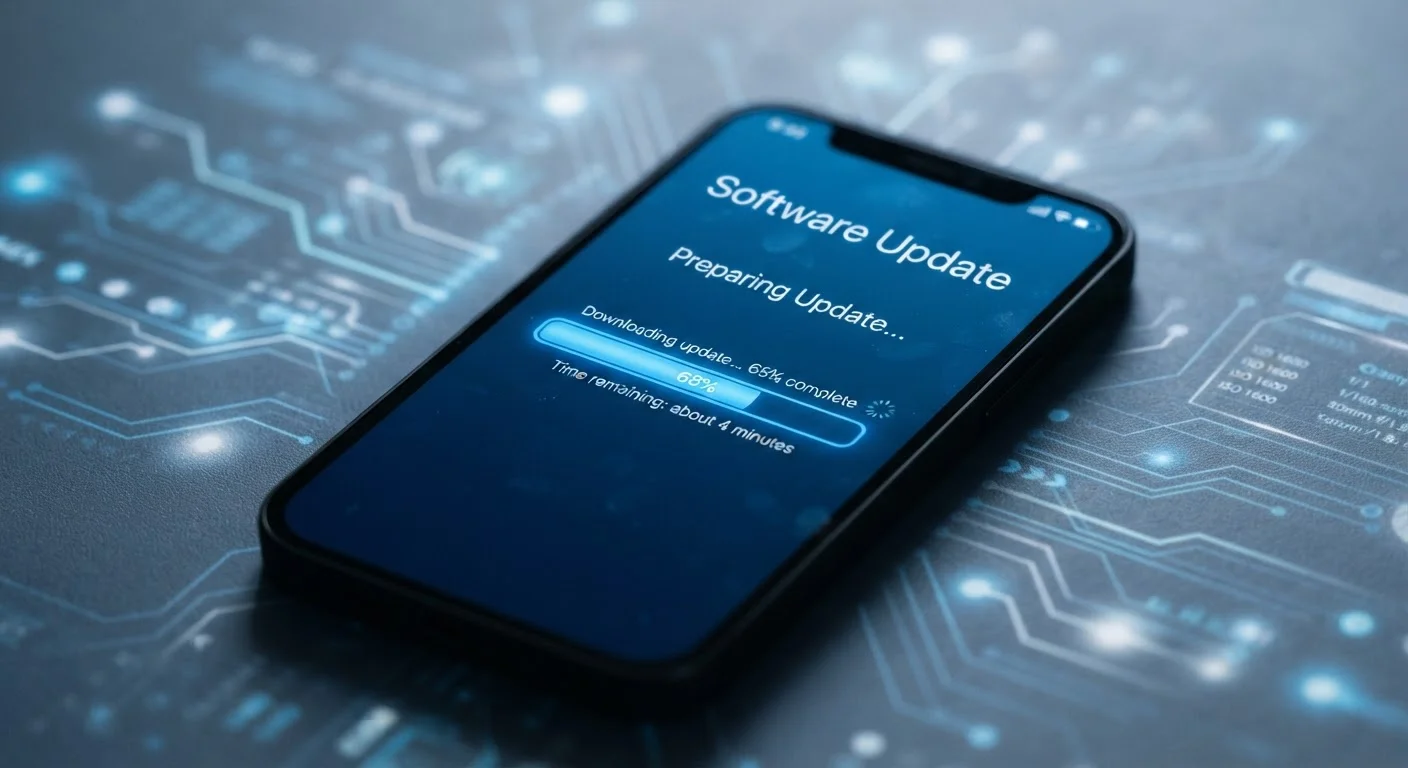
A mobile operating system (OS) update is a software package delivered to your phone by its manufacturer or OS developer that modifies the core software running your device. Updates can patch security vulnerabilities, fix bugs, improve performance, or introduce new features. They are separate from individual app updates and typically affect the entire phone.
OS updates are distributed in layers: the platform developer (e.g., Google for Android, Apple for iOS) releases the base update, which device manufacturers and wireless carriers may then customize and re-certify before pushing it to end users.
What an OS Update Actually Contains
When your phone notifies you of a software update, it is offering one or more of three things: a security patch, a bug fix, or a feature update — and sometimes all three at once.
Security patches are the most urgent. They close specific holes in your phone's software that researchers or attackers have discovered. These vulnerabilities can allow malicious apps, websites, or network connections to access data they should not be able to reach. Security patches are released on a regular schedule by major platform developers — monthly in many cases — and they target known, documented weaknesses.
Bug fixes address problems that affect how the phone behaves: an app that crashes unexpectedly, a Bluetooth connection that drops, or a keyboard that freezes. These are not security emergencies but they improve the reliability of your day-to-day experience.
Feature updates are the headline items — new camera tools, redesigned menus, updated privacy controls, or deeper integrations with other apps. These updates often accompany major version releases (think a whole number jump in the OS version) and arrive less frequently than patches.
Security Patches vs. Feature Updates: Different Urgency
Not all updates carry the same priority. A security patch addresses a known, active risk and should be installed promptly. A feature update brings new capabilities and can generally be installed at your convenience. When your phone describes an update, look for language about 'security fixes' or 'patch level' to gauge how quickly you should act.
Why Skipping Updates Is Riskier Than It Seems
Many people postpone updates out of habit or inconvenience — the timing is bad, the phone is in use, or there is a general worry that something will change. But security patches in particular have a narrow window where timing matters a great deal.
Once a vulnerability is publicly disclosed — which happens when a patch is released, since the release itself signals that a flaw existed — attackers know exactly what to target on unpatched devices. A phone that has not installed a security patch from several weeks ago is, in a practical sense, advertising a known weakness. See our guide to mobile security settings for additional steps you can take to protect your device alongside keeping it updated.
The inconvenience of restarting your phone for 20 minutes is genuinely small compared to the potential of having your accounts, photos, or financial data exposed through an unpatched flaw.
~30%
Android devices running outdated OS versions
According to periodic distribution data published by Google, a substantial share of active Android devices run OS versions no longer receiving full security support.
Monthly
Frequency of Android security patch releases
Google publishes Android Security Bulletins on a monthly basis, addressing newly discovered vulnerabilities across the Android platform.
Days to weeks
Typical delay from patch release to device delivery
For Android devices, the time between a patch being published by Google and it arriving on a specific carrier-branded handset can range from days to several weeks, depending on the manufacturer and carrier.
How Updates Reach Your Phone — and Why It Takes Time
Not everyone gets the same update on the same day, and understanding why can reduce frustration when you see others talking about a feature you do not have yet.
On most Android devices, the update pipeline has multiple stops. The platform developer releases a base update; the device manufacturer then adapts it for their specific hardware and software customizations; if your phone is carrier-branded, the carrier may also test and approve the package before it reaches you. Each step adds time — sometimes days, sometimes weeks.
On iOS devices, Apple controls both the hardware and the software, so updates typically reach users faster and more uniformly. However, staged rollouts still occur: Apple often releases updates to a small percentage of devices first, watches for major problems, and then expands the rollout. This is why your phone may show an available update a few days later than someone else's.
This system exists to reduce the risk of a flawed update reaching every device at once — a reasonable precaution, even if it creates some waiting.
What Happens When Your Phone Stops Getting Updates
Every phone has a support window — a period during which the manufacturer commits to delivering OS updates and security patches. Once a device reaches the end of that window, updates stop. The phone keeps working, but it no longer receives protection against newly discovered vulnerabilities.
This is sometimes called being on an unsupported or end-of-life device. The risks compound gradually: each month that passes without a patch means more known vulnerabilities exist on your device with no fix coming.
Support windows vary significantly by manufacturer and platform. Some devices receive updates for only two or three years; others are supported for five or more. Checking the expected support timeline before purchasing a phone is a practical way to assess long-term value — something worth researching alongside specs like battery size or camera quality. Battery performance and software longevity are both factors that affect how long a phone remains genuinely useful.
If your phone has passed its support window, consider limiting its use for sensitive tasks like banking or accessing work accounts until you can replace it.
Practical Steps for Staying on Top of Updates
The simplest approach is to enable automatic updates and let your phone handle the rest. Most phones can be set to download and install updates overnight while charging, so the interruption to your day is minimal.
If you prefer manual control, build a habit of checking for updates once a month in your phone's settings. Pay attention to whether an update is described as a security patch — those warrant prompt action even if you would otherwise wait.
Before installing a major feature update, it is reasonable to wait a few days to see whether other users report significant problems. For security patches, waiting is generally not worth the trade-off. Also ensure your phone has adequate storage and battery charge before starting an update, since both are required for a smooth installation. Your phone's built-in settings and tools often include options you may not have explored that can make this process more automatic and hands-off.