

Key Takeaways
5G
5G is the fifth generation of wireless network technology used by mobile phones and other devices to connect to the internet. It's designed to be faster and handle more simultaneous connections than its predecessor, 4G LTE. In practice, what that means for your phone depends on the type of 5G your carrier uses and whether your area is actually covered.
5G operates across three spectrum bands — low-band, mid-band, and high-band (mmWave) — each with different trade-offs between coverage area and peak speed.
What 5G Is — and What It Isn't
When carriers advertise 5G, they're referring to the fifth generation of cellular network standards. In simple terms, it's the infrastructure — the towers, frequencies, and software protocols — that your phone uses to send and receive data wirelessly.
What 5G isn't is a single, uniform experience. The term covers a spectrum of technologies. High-band 5G, sometimes called mmWave, delivers blazing speeds but has very short range and struggles to pass through walls. Low-band 5G travels far and penetrates buildings well but offers speeds that are often similar to a solid 4G LTE connection. Mid-band 5G sits in between — faster than 4G with reasonable coverage — and is generally considered the most practical version for everyday users.
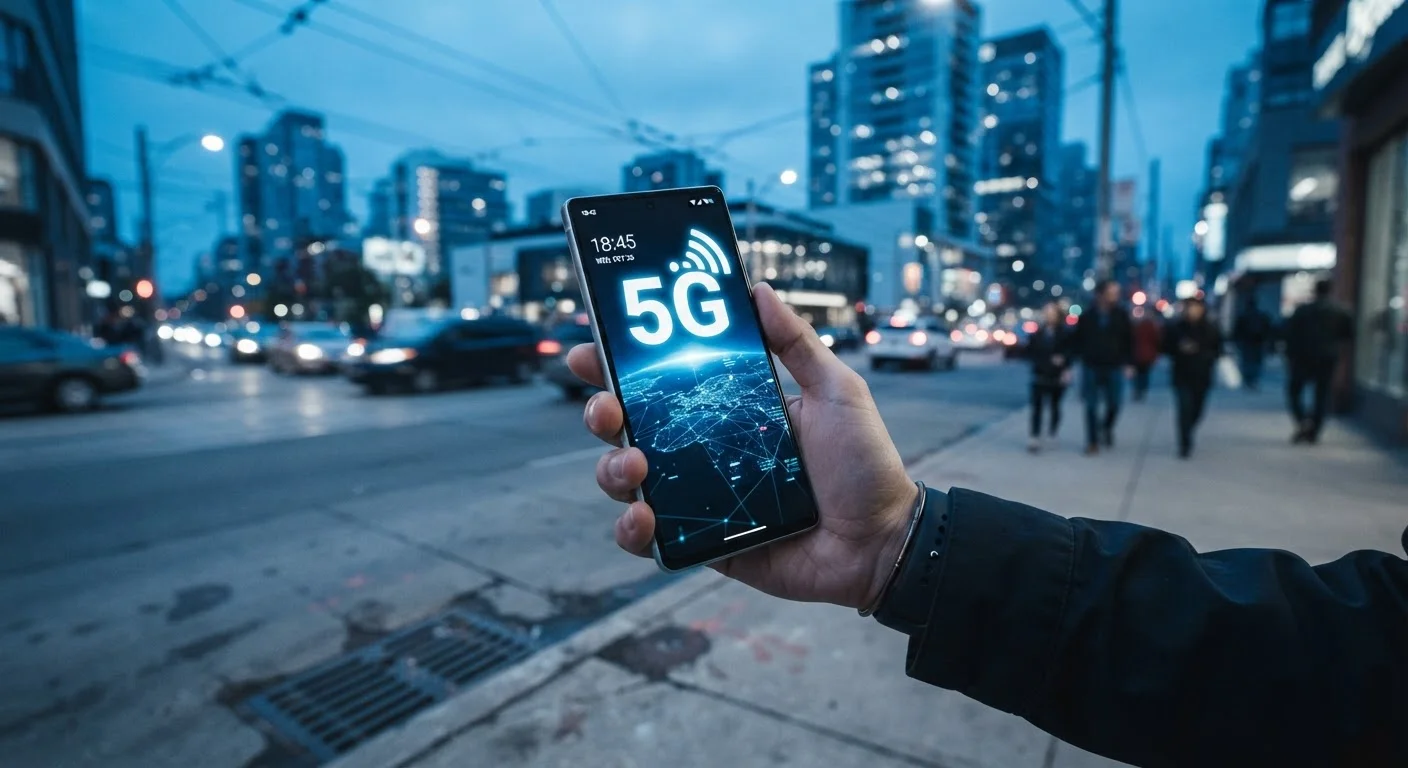
Understanding this distinction matters because when you see a 5G indicator on your phone, you don't always know which type you're connected to. The icon looks the same regardless.
To understand how these specs show up in phone listings, see our guide to decoding smartphone specs.
When 5G Makes a Real Difference
For routine tasks — scrolling social media, streaming music, sending emails, or making video calls — most people won't notice a meaningful difference between a good 4G LTE connection and low-band 5G. Both are fast enough for these activities.
Where 5G starts to stand out:
- Downloading large files quickly — Apps, software updates, or video files that might take a minute on 4G can arrive in seconds on mid- or high-band 5G.
- Crowded venues — Stadiums, airports, and concerts can overwhelm 4G networks. 5G's higher capacity means more people can connect without slowdowns.
- Consistent video streaming — Higher-resolution video streaming is more reliable when bandwidth is genuinely available.
- Emerging uses — Remote work tools, cloud gaming on mobile, and augmented reality apps benefit from low latency (the delay in data transfer), which 5G reduces.
If your daily use is light, you may never notice 5G at work. If you regularly use your phone for data-intensive tasks or you're often in congested urban areas, the difference is more likely to register.
3 types
Distinct 5G spectrum bands in use
Low-band, mid-band, and high-band (mmWave) 5G each offer different speed and coverage trade-offs for everyday users.
~10x
Potential peak speed increase over 4G LTE
Under ideal conditions with mmWave 5G, peak download speeds can reach this level — though typical real-world gains are considerably more modest.
1ms
Target latency for 5G networks
5G is designed to reduce data transfer delays to as low as 1 millisecond, compared to roughly 30–50ms on 4G, benefiting real-time applications.
Coverage, Carriers, and What Actually Shows Up on Your Phone
Having a 5G-capable phone is only one piece of the puzzle. Your carrier's network and your physical location determine what you actually get. Urban centers and densely populated suburbs tend to have broader and faster 5G coverage, while rural areas often rely on low-band 5G or still fall back to 4G LTE.
Carrier coverage maps can give you a general sense of what's available in your area, though real-world performance often varies from what maps suggest. Buildings, terrain, and network traffic all affect signal quality.
It's also worth knowing that some carriers differentiate 5G tiers in their plans. Connecting to a faster mmWave network may depend on your specific plan, not just your phone hardware or location.
For a related look at how your phone handles connectivity when cellular signals are weak, see our article on Wi-Fi calling vs. regular cellular.
Practical Considerations: Battery, Settings, and Future-Proofing
5G radios use more power than 4G when actively connecting. If you're in an area with patchy 5G coverage, your phone may spend extra energy searching for a 5G signal. Some phones allow you to manually switch to LTE-only mode in your network settings — a useful option if you're trying to extend battery life on a long day away from a charger.
On the question of whether to upgrade your phone specifically for 5G: most new phones already include it, so it's less a reason to upgrade and more a standard feature to expect. If your current phone works well for your needs, 5G alone isn't a compelling reason to replace it.
That said, 5G infrastructure is still expanding, and networks are being upgraded continuously. A 5G-capable phone will be better positioned to take advantage of improved coverage in the years ahead.
For a broader look at what else your phone can already do, explore built-in smartphone features most users overlook. And if you're curious about the role network connectivity plays in the wider ecosystem of connected devices, see what smart home technology actually means.
Check Your Network Mode in Settings
If you notice your battery draining faster than usual, check your phone's network settings. Most Android phones and iPhones allow you to set a preferred network type. Switching to LTE-only in areas with poor 5G coverage can reduce the energy spent searching for a 5G signal without meaningfully affecting your browsing or streaming experience.